See how people do the job before you meet them.
Paste a job description and Gateway writes the assessment from the situations, data and documents of the role. Candidates do the work, and every skill comes back scored with its reason.
Ready in about 5 to 10 minutes, and you can edit every question before you send it.

Written for the role you hire, not pulled from a library.
Gateway writes each assessment from your job description, so it asks for the work your role actually does. Two companies hiring the same title each get an assessment written for their own job.
- Any role where the work can be shown: sales, support, marketing, finance, operations, recruiting, design and engineering.
- The situations and the data come from the role, so the work feels like the job.
- Your team can read and change every question before it goes out.
They handle the situations the job hands them.
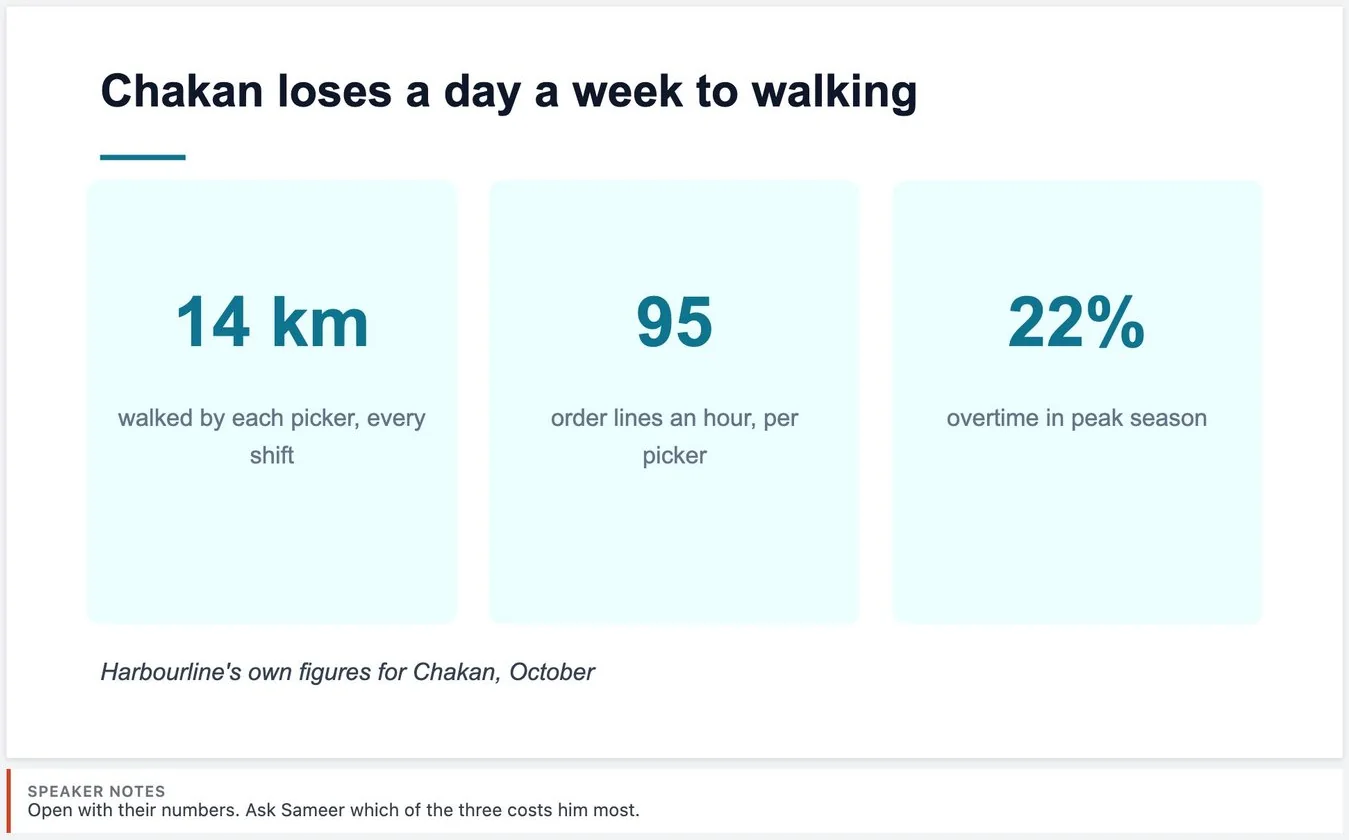
A renewal at risk, an upset client, a decision to defend in front of leadership. Candidates work it through the way the role would, not by picking an answer.
- Work in a spreadsheet, a document, slides, a whiteboard, code or SQL, or record a walkthrough.
- Customers who answer back: an AI plays the client in a chat or on a call, and pushes back as a real one would.
- No multiple choice, and no question bank that circulates online.
Technical roles get the same depth.
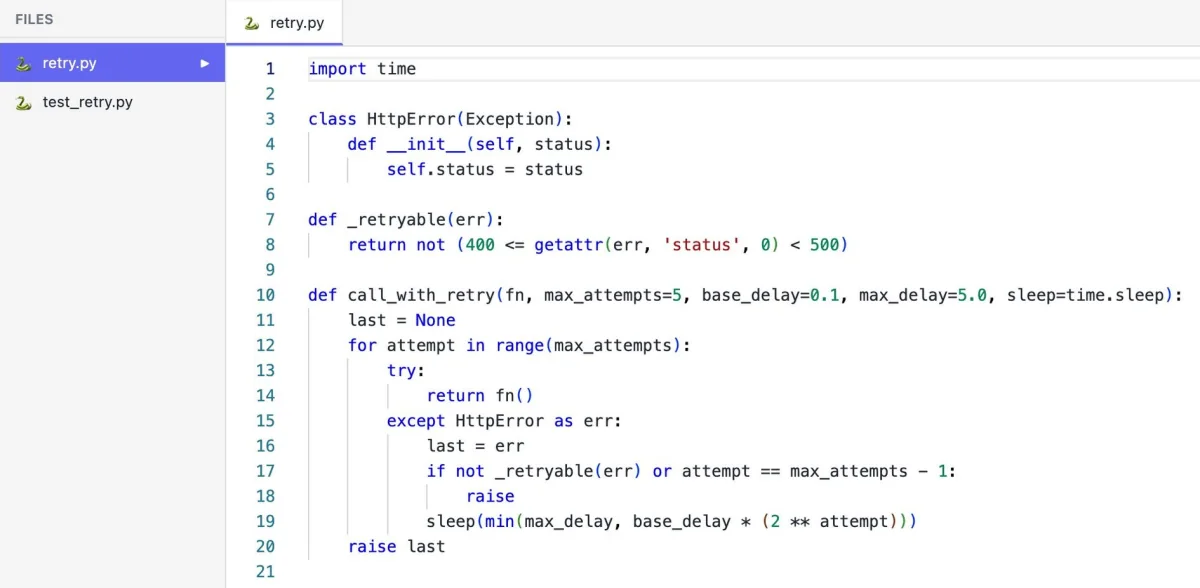
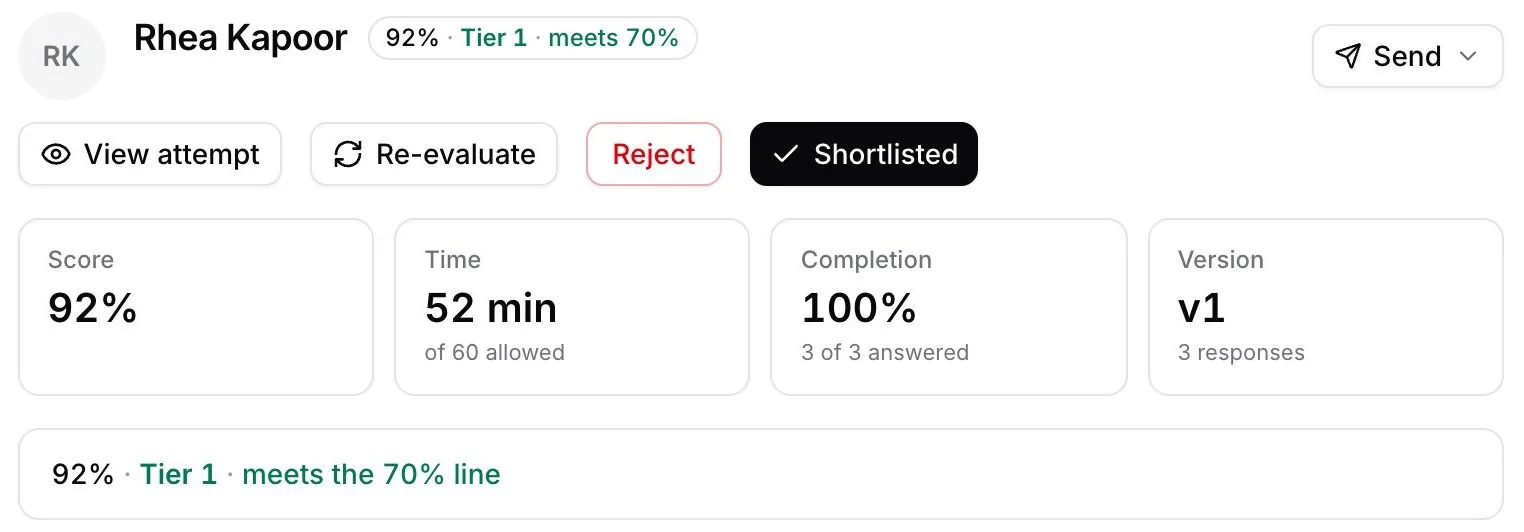
Engineering and data roles design systems, write code and query data, on problems drawn from the role rather than puzzles.
- System design on a whiteboard, with the constraints of the role.
- Code, web code and SQL questions alongside the written ones.
- The candidate's work opens read-only in the same tools for your team.
Every skill scored, with its reason.
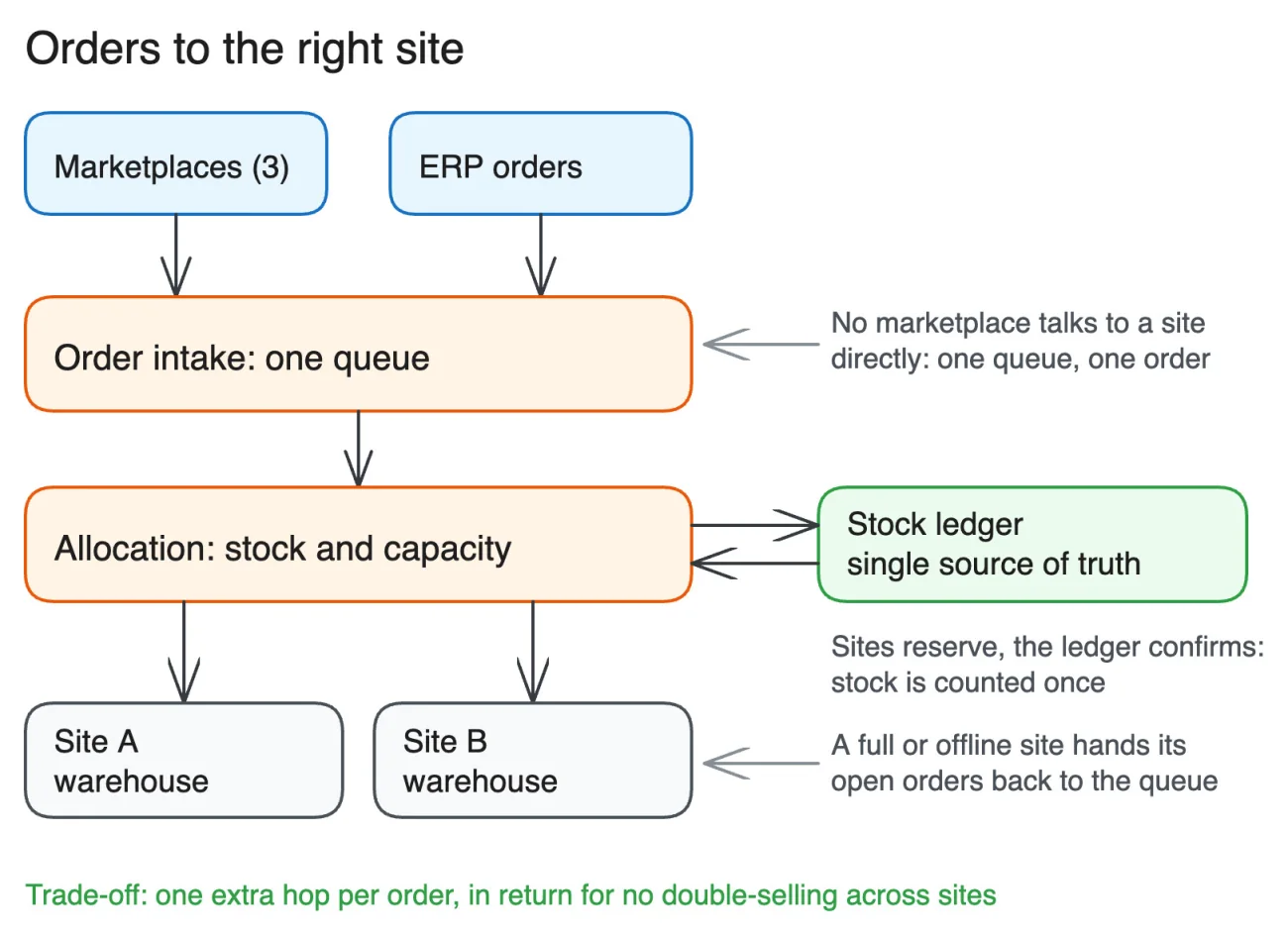
You see who meets your line at a glance, with a score for each skill and the reason behind it. Your team can change any score.
What comes with every assessment.
Written from your job
Paste a job description and the assessment is ready in about 5 to 10 minutes. Add your own material to shape it, and edit any question before you send it.
Real work
Spreadsheet, document, slides, whiteboard, code, web code, SQL, a recorded walkthrough, or a chat or call with an AI customer.
Scored by skill
A score and written feedback for each skill, a tier from 1 to 5, and whether it meets your line. Your team can change any score.
AI-assisted, on request
Choose it for a role, and see how each candidate works alongside an AI assistant.
Monitoring
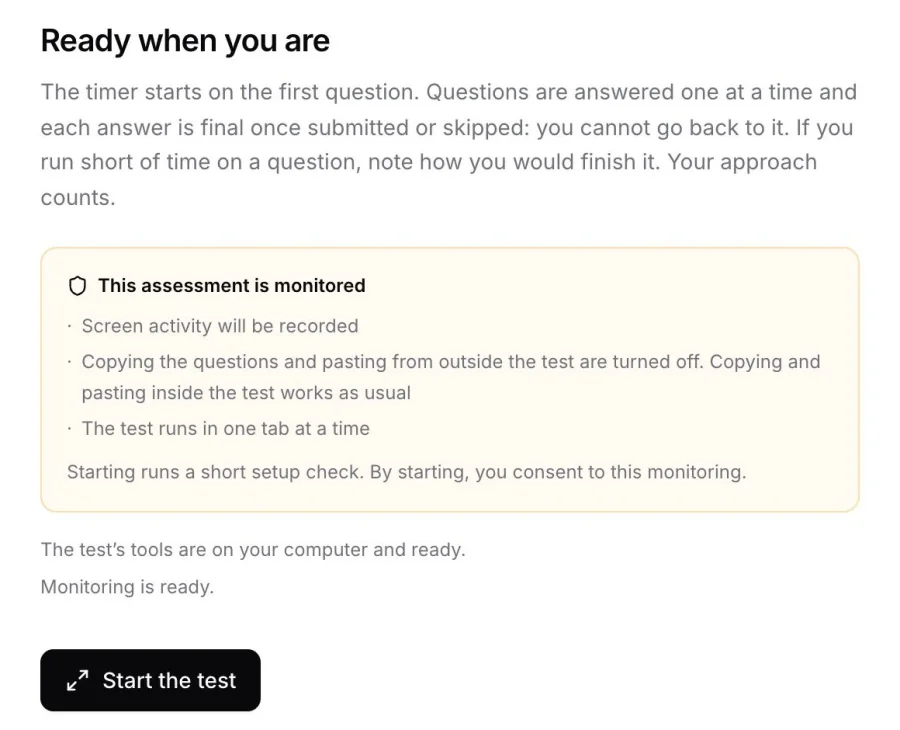
Off by default. Four levels, from activity only to camera on, with a replay of the test page.
For candidates
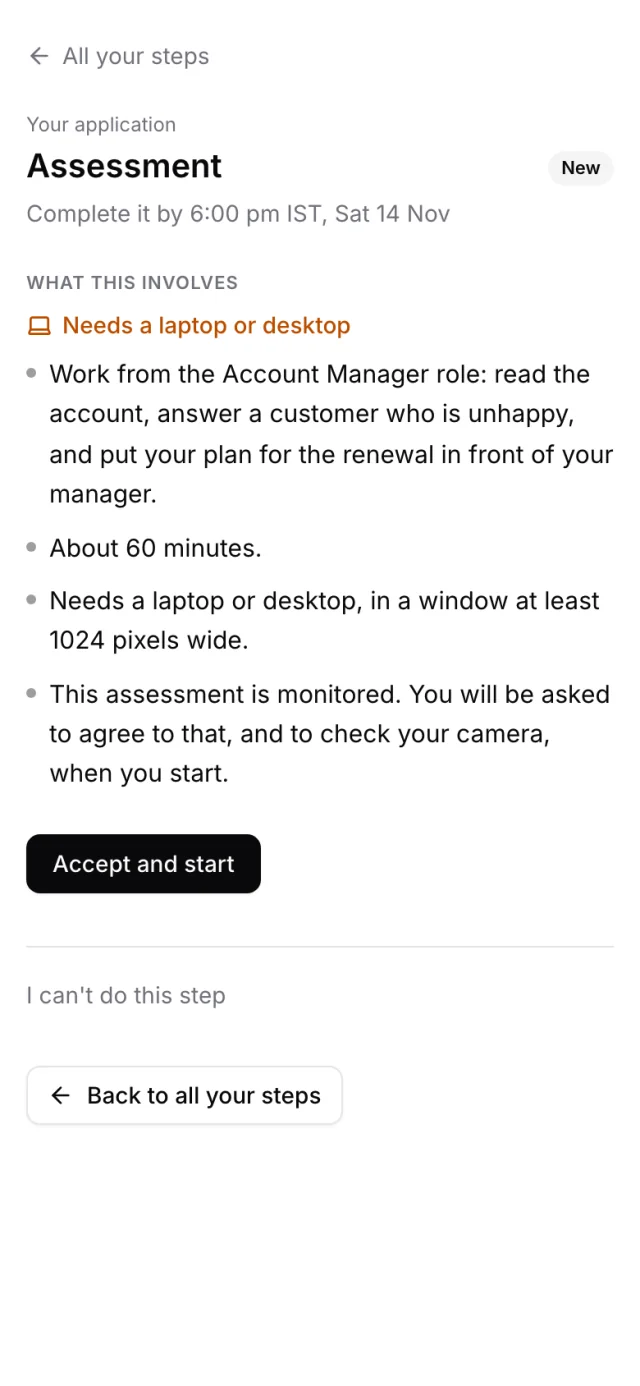
One link, on a laptop or desktop. Each step says what it involves, and starts only once they accept it.
Internal checks
Use the same assessments with your own team for onboarding, promotions or training.
Questions people ask us.
How long does it take to create an assessment?
About 5 to 10 minutes from a job description. You can read and edit every question before you send it.
Which roles does it work for?
Any role where the work can be shown: sales, support, marketing, finance, operations, recruiting, design and engineering. Each question uses the situations and data of that role.
Is it multiple choice?
No. Candidates do the work, and each answer is scored by skill with the reason for the score.
Can candidates use AI?
Only in an AI-assisted assessment, which you choose. Then you see how they worked with the assistant.
What do candidates need?
A laptop or desktop and the link. Each step says what it needs before they accept it.