Hire a frontend developer who builds interfaces that hold up in every browser
A frontend developer turns designs and APIs into an interface customers can use on any screen, with any input and on any connection, and leaves the codebase in a state the rest of the team can build on. Framework names on a resume say little about that, so the dependable way to compare candidates is to see each one finish a real piece of interface before anyone sits in an interview.
What the hiring manager needs from a frontend developer
A frontend developer is usually hired to own the layer between design and backend: semantic markup, CSS that survives new content, and JavaScript that talks to APIs without hanging the page. The product lead needs someone who closes the gap between the mockup and what ships, without a designer filing a pile of visual bugs after each release.
A layout that breaks when real content arrives
The mockup used short product names and square photos. In production, a long translated title wraps across several lines and a landscape image pushes the price out of view. A capable frontend developer builds with grid and flexbox so the layout bends around real content, instead of fixed pixel heights that only fit the sample data.
A form customers abandon halfway
Sign-up loses people at the address step. Labels vanish into placeholders, errors appear only after submit, and browser autofill drops values into the wrong fields. Fixing it is markup, validation timing and focus handling, the unglamorous work that decides whether the form converts.
A design system nobody follows
Several button styles and a handful of near-identical greys have crept into the product. The frontend developer is expected to turn the designer's tokens into shared components and CSS custom properties, then move pages over without a visual regression on screens nobody remembered.
A bundle that grew with every sprint
Each feature added a dependency, and a first visit now downloads a large amount of JavaScript before anything responds. The developer reads the bundle report, splits code by route, and removes the date library that was imported to format one string.
Where hiring a frontend developer usually goes wrong
- Hiring for a framework instead of the platform
- A resume built around one framework can hide weak CSS and a shaky picture of how the browser loads a page. When the framework changes, or the bug lives in the cascade, a developer who only knows the abstraction stalls.
- Treating CSS as the easy part
- Interviews often skip styling because it is awkward to ask about. The new hire then ships layouts that collapse on small screens, stacking fights between modals, and overrides piled on overrides that the next person cannot untangle.
- Judging by screenshots of finished sites
- A portfolio shows the final pixels. It does not show who wrote the markup, how the page behaves with a keyboard, or what happens in a browser the candidate never opened, which are the parts that cost you later.
- Quizzing on JavaScript trivia
- Asking about hoisting or the output of a tricky snippet tests memory of edge cases. It does not show whether the candidate can find why a click handler fires twice or why a page stays blank on an older phone.
Real tasks from a Gateway assessment
These come from a Gateway assessment for a frontend developer, with the employer’s name taken out. Gateway writes every assessment from your own job description, so the tasks your candidates get are built around your role.
Web code in the browser
Accessible, responsive filter chips
A designer’s new filter panel works with a mouse on desktop. Nobody has checked it with a keyboard, a screen reader or a phone. The candidate is asked to finish it.
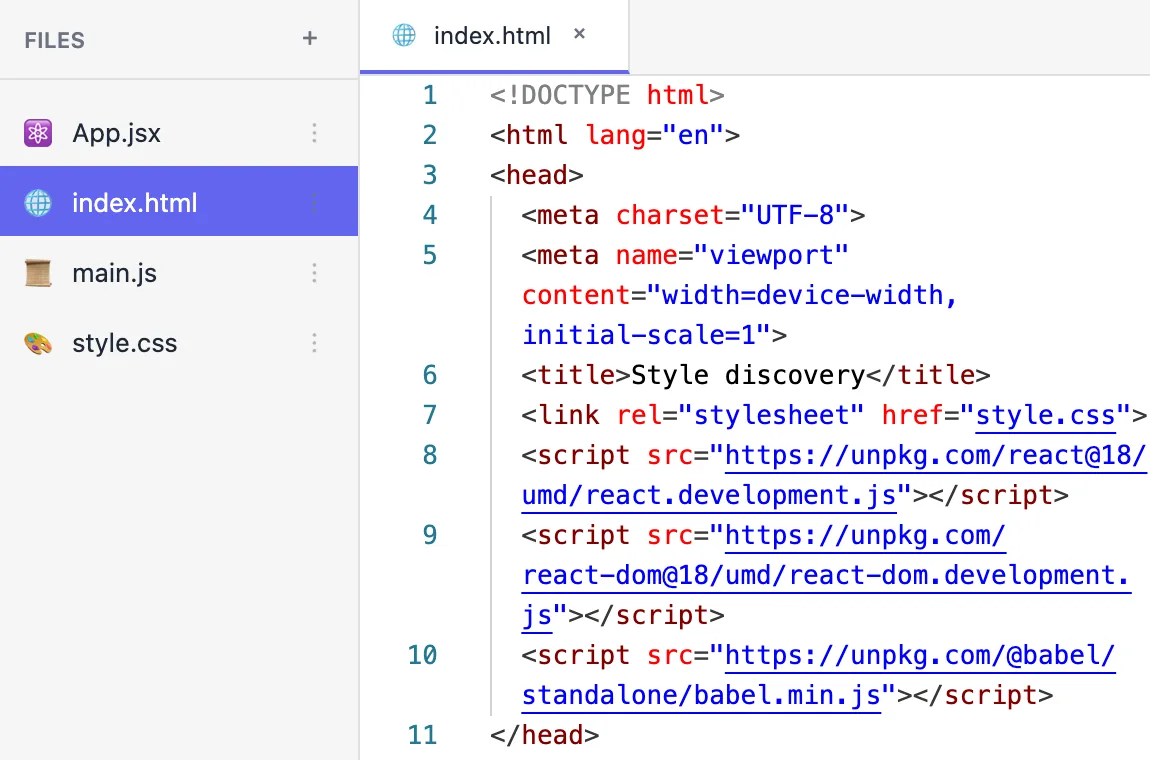
What a strong candidate did: Made every chip reachable and toggleable from the keyboard with a visible focus, announced the selected state to screen readers, and made the panel usable on a small phone without changing the design.
Web code in the browser, then a short note
Fix the slow, jumpy catalog grid
Field data for the catalog page on mobile shows the main image loading in 3.8 seconds and the layout jumping as it loads. Product and the founder want it back inside Google’s “good” thresholds. The candidate owns the frontend.
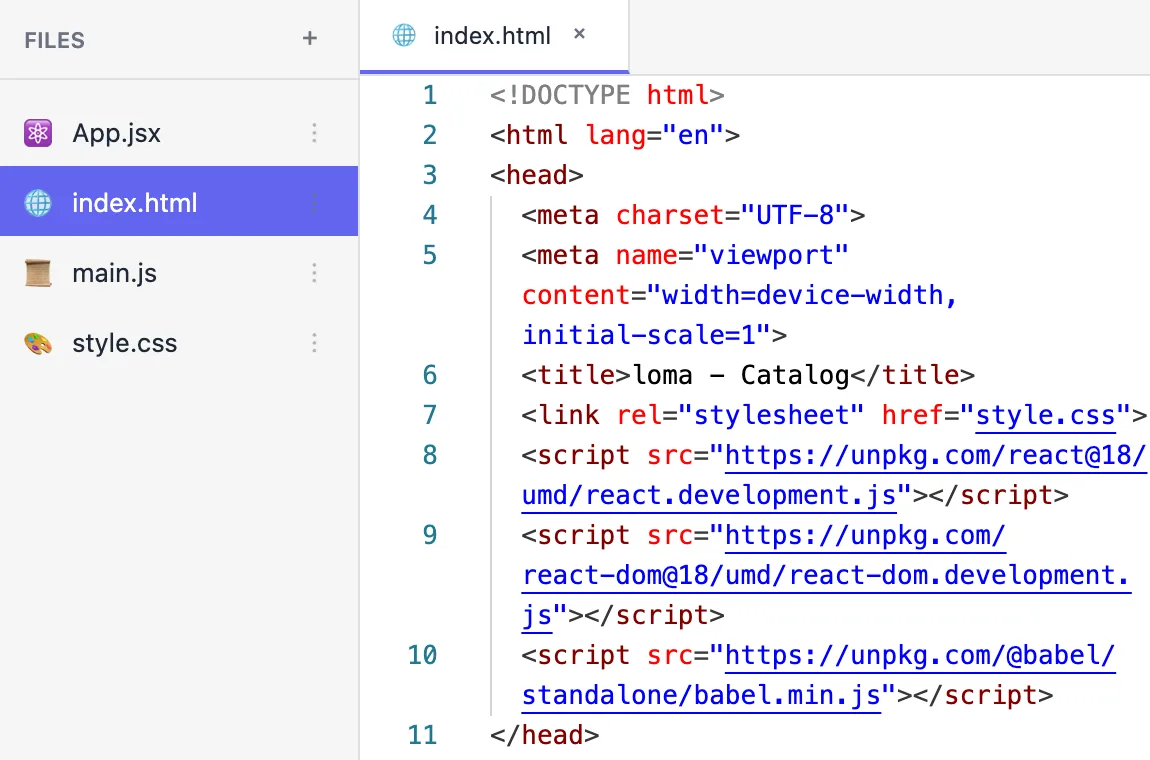
What a strong candidate did: Reserved space for images so nothing moves, loaded the first visible image first and the rest lazily, and explained which change moved which number and how to confirm it in field data next week.
How the decision gets made
With Gateway, each frontend developer candidate works through situations drawn from your job description, such as a layout that breaks with real content, a component that a keyboard user cannot operate, or a page that loads too slowly. The work happens in web code in the browser, with the frameworks your team uses ready to go, followed by a short note on what changed and why. Your product or engineering lead sees a score and written feedback for each skill, opens the candidate's markup, styles and scripts read-only, and invites only the people whose interface work would survive your design review.
See your next frontend developer at work before you meet them
Paste your job description and Gateway writes the assessment in about 5 to 10 minutes. Your team can edit every question before it goes out.
Questions
Our frontend is plain HTML, CSS and JavaScript with no framework. Does that work?
Yes. The assessment follows your job description, so a framework-free role gets framework-free tasks. If you use Vue, Angular, Svelte or React, those are ready to use in the browser editor.
Can we test CSS and layout skills, not only JavaScript?
That is what working in the browser allows. A task can ask the candidate to repair a broken responsive layout or finish a component from a design, and your lead reads the actual styles the candidate wrote.
How does the hiring manager review results?
Each skill gets a score, written feedback and a tier from 1 to 5, plus whether the candidate meets your line. The lead can change any score, and the final decision stays with your team.
What do candidates need to take part?
A laptop or desktop and one link. Each step tells the candidate what it involves before starting, and the work is due by the deadline you set.
Is the candidate watched while working?
Monitoring is off unless you turn it on. You can pick one of four levels, from activity only to camera on, and review a replay. Gateway does not label anyone as cheating; your team decides what any unusual activity means.
Related