Hire an Ionic developer who makes a web codebase feel at home on a phone
An Ionic developer takes your web skills to the app stores: one Angular, React or Vue codebase running in a native shell through Capacitor. The hire succeeds or fails at the edges, such as native plugins, WebView performance, keyboards and safe areas, so the way to compare candidates is to see each one handle those situations in real code before interviews.
What the hiring manager needs from an Ionic developer
Teams usually pick Ionic because they already have web developers and want an app, often a customer or staff portal, on iOS, Android and the web from one codebase. The engineering lead needs a developer who knows the web framework well and also understands what happens inside the native shell, so the app does not feel like a website in a frame.
A Cordova app that has to move to Capacitor
Some of the app's Cordova plugins are no longer maintained and the build breaks with new platform versions. A capable Ionic developer moves the project to Capacitor, swaps or wraps each plugin, and checks every native feature still works on both platforms.
An input hidden behind the keyboard
On iPhone the keyboard covers the field being typed into, and on some Android phones the layout jumps. The developer handles keyboard events, safe areas and scroll behaviour so forms work on real devices, not only in the browser preview.
A list that scrolls smoothly on a laptop and stutters on the phone
Large lists and heavy CSS effects run well on a laptop and poorly in a WebView on a mid-range phone. The developer uses virtual scrolling, trims expensive styles and checks performance on a device, not only in desktop tools.
A device feature with no plugin
The app needs a vendor's scanner SDK. The developer writes a small Capacitor plugin with Swift and Kotlin behind a typed JavaScript interface, and falls back sensibly when the app runs as a plain web app.
Where hiring an Ionic developer usually goes wrong
- Hiring a web developer and testing only web skills
- An Ionic app is still a web app, so web interviews feel sufficient. Then the hire meets signing, native permissions, plugins and WebView quirks for the first time in release week.
- Ignoring which web framework the app uses
- Ionic runs on Angular, React or Vue, and teams often forget to check that the candidate knows theirs. A strong Ionic developer from a React codebase can still be slow in an Angular one.
- Comparing Ionic candidates with native developers on raw speed
- The real question is whether the candidate can make a WebView app feel responsive within its limits. Native-style interview questions miss the practical techniques that matter in Ionic work.
Real tasks from a Gateway assessment
These come from a Gateway assessment for a frontend developer, with the employer’s name taken out. Gateway writes every assessment from your own job description, so the tasks your candidates get are built around your role.
Code, then a short note
Search that survives slow responses
Buyers on slow mobile connections type fast, and search responses come back out of order. An older response sometimes overwrites newer results, and a failed request looks the same as “no results”.
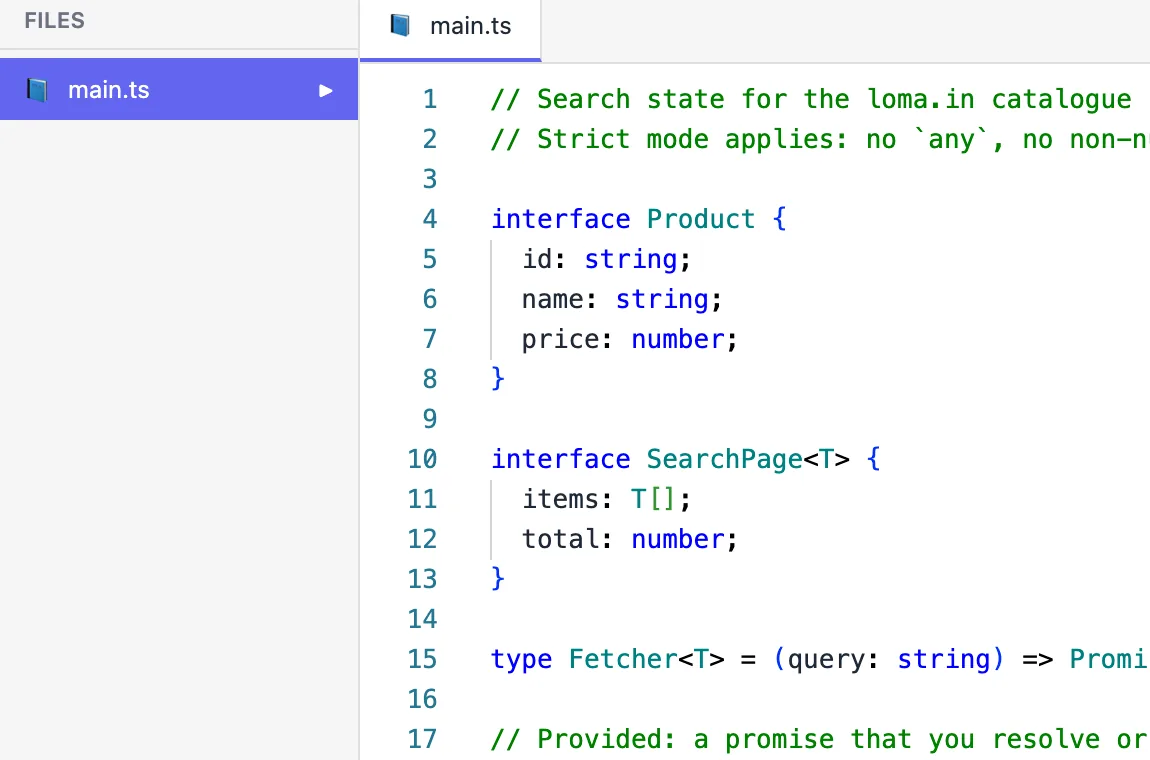
What a strong candidate did: Kept only the latest request’s results, gave loading, empty and error their own states with a retry, and wrote tests that reproduce the out-of-order case.
Web code in the browser
Accessible, responsive filter chips
A designer’s new filter panel works with a mouse on desktop. Nobody has checked it with a keyboard, a screen reader or a phone. The candidate is asked to finish it.
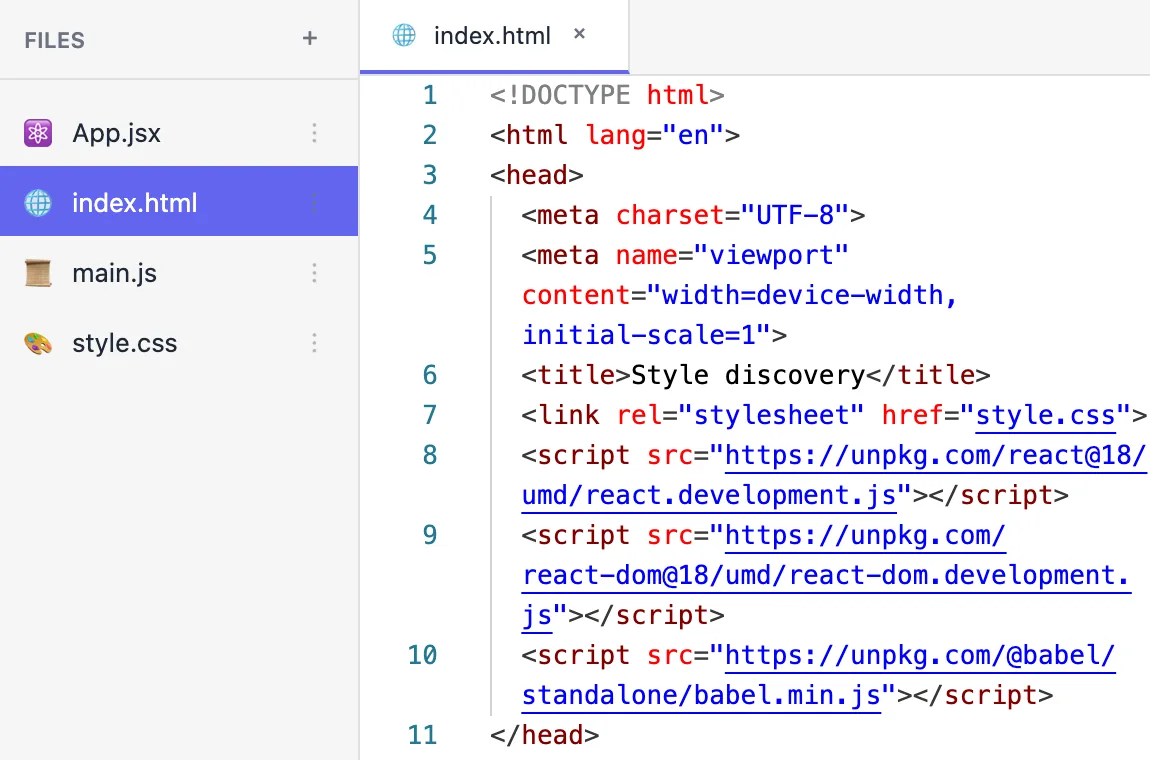
What a strong candidate did: Made every chip reachable and toggleable from the keyboard with a visible focus, announced the selected state to screen readers, and made the panel usable on a small phone without changing the design.
How the decision gets made
With Gateway, each Ionic developer candidate works on situations from your job description, like a Cordova plugin to replace, a form the keyboard covers or a list that stutters on a phone, in web code in the browser with your framework ready to use, plus a short note on the native side. Your engineering lead sees a score and written feedback for each skill and opens the candidate's work read-only, then interviews only the people who handle both the web layer and the shell around it.
See your next Ionic developer at work before you meet them
Paste your job description and Gateway writes the assessment in about 5 to 10 minutes. Your team can edit every question before it goes out.
Questions
Can the assessment use Ionic with Angular, React or Vue?
Yes. The tasks follow your job description, and Angular, React and Vue are ready to use in the browser editor. Your team can edit every question.
Can it check native plugin knowledge too?
A task can ask the candidate to write or explain a Capacitor plugin, in code or in a recorded walkthrough, so you see how the candidate handles the native layer.
How long does setup take?
About 5 to 10 minutes from your job description. Review the tasks, then send each candidate one link with a deadline.
Who decides whether a candidate moves forward?
Your team. Gateway gives each skill a score, written feedback and a tier from 1 to 5, plus whether the candidate meets your line, and anyone reviewing can change a score.
Related