Hire a SharePoint developer who keeps the intranet usable and permissions tight
A SharePoint developer builds intranet pages, document workflows and SPFx web parts that staff use daily, while keeping permissions tidy enough that the wrong team never opens the wrong file. Resumes often stretch back to older server farms, so the reliable way to choose is to see each candidate solve a current Microsoft 365 problem before interviews.
What the hiring manager needs from a SharePoint developer
Whoever owns the digital workplace, often the IT manager or the head of internal communications, needs a developer who understands both the platform and the people using it: departments that want their own sites, legal that wants retention, and staff who just want to find the current policy.
Permissions nobody can explain any more
Sites were shared with individuals, broken inheritance spread across libraries, and leavers still sit in some groups. Before an audit, the developer reports who can reach what, separates real exposure from harmless leftovers, and fixes it with the site owners.
A process still run by email and a shared spreadsheet
Purchase requests or contract reviews move through email chains. The developer moves the process into lists and Power Automate with clear approvals, so the managers who approve can track status without chasing anyone.
A web part that breaks after a Microsoft change
A custom SPFx web part on the intranet home page stops rendering after a platform change. The developer finds what changed, updates the dependencies, and builds the solution so the next change is less likely to break it.
Moving content off an old farm or file shares
Content has to reach SharePoint Online without losing metadata or version history. The developer plans the mapping, tests on a sample library, and tells content owners what will look different after the move.
Where hiring a SharePoint developer usually goes wrong
- Hiring for the platform as it used to be
- A long career on on-premises server farms builds real knowledge, but the work now runs on SPFx, Microsoft Graph and the Power Platform. Without seeing current work, you cannot tell which era a candidate actually works in.
- Treating site building as development
- Creating sites, pages and lists in the browser is valuable, but a developer role usually means TypeScript, React inside SPFx, Graph calls and deployment through the app catalogue. Interviews often accept the first as proof of the second.
- Overlooking permissions judgement
- Most SharePoint incidents that reach leadership are about someone opening a file meant for another team. A developer who builds neatly but shares broadly creates that incident later.
- Ignoring how the developer works with site owners
- Department heads own their content, and the developer has to explain retention, sharing and structure without a lecture. That shows in writing, and a list of tools says nothing about it.
Real tasks from a Gateway assessment
These come from a Gateway assessment for an IT manager, with the employer’s name taken out. Gateway writes every assessment from your own job description, so the tasks your candidates get are built around your role.
Code, then a note for the auditor and HR
Leaver access reconciliation before an audit
A SOC 2 audit window is closing, and the auditor wants evidence that leavers lose access. Nobody has checked the monthly leavers list against Active Directory and Microsoft 365.
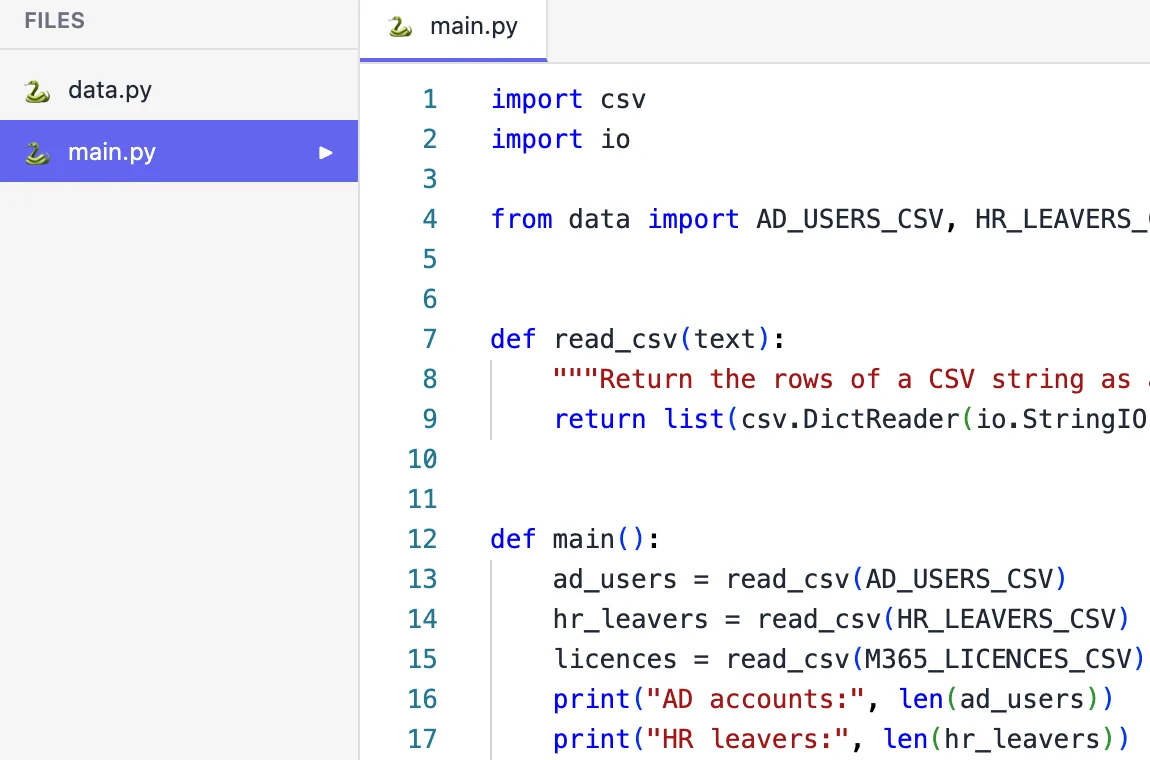
What a strong candidate did: Matched leavers to the accounts still active, separated real gaps from accounts that were fine, and wrote evidence an auditor would accept.
A spreadsheet, then a short note
Late-shift SLA breaches in the support queue
The office head asks one question: are we meeting the 95% SLA target this month, and if not, why? The support team is four people across two shifts.
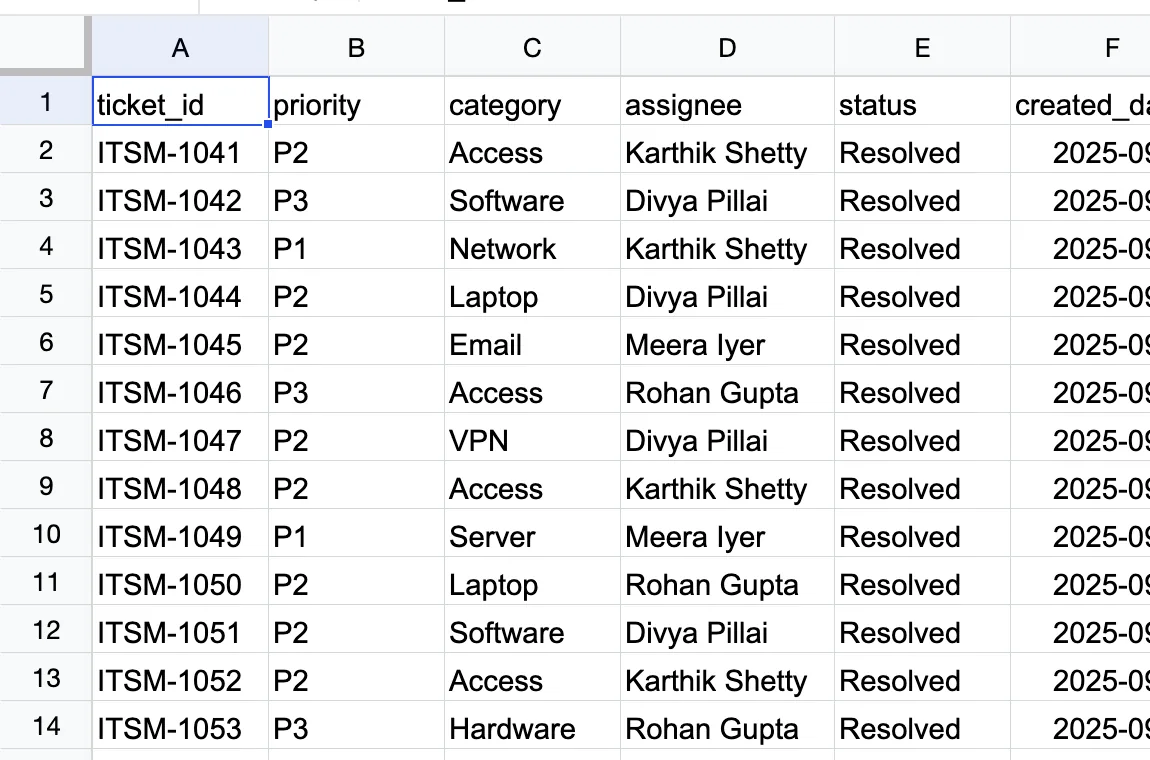
What a strong candidate did: Answered yes or no with the number, showed the misses were concentrated on one shift and one ticket type, and proposed a change that fixes it without adding a person.
How the decision gets made
With Gateway, SharePoint developer candidates work on situations from your job description, such as reconciling leavers against Active Directory and Microsoft 365 before an audit, or answering a manager's question about service levels from real ticket data. They work in code, spreadsheets and short notes to auditors and managers. Your IT lead sees a score and written feedback for each skill, can open every candidate's work, and interviews only the developers whose results an auditor would accept.
See your next SharePoint developer at work before you meet them
Paste your job description and Gateway writes the assessment in about 5 to 10 minutes. Your team can edit every question before it goes out.
Questions
Can the assessment include SPFx or Power Automate?
Gateway writes each assessment from your job description, so if the role names SPFx, Power Automate or Microsoft Graph, the situations follow. Web code tasks come with frontend frameworks ready to use.
We need someone who also handles governance. Can we test that?
Yes. A task can ask the candidate to review sharing and permissions and write the note for site owners or an auditor, which is where governance skill shows.
How long until we can send it out?
Drafting from the job description takes about 5 to 10 minutes. Your team then reads, edits and sends one link per candidate.
Can our internal communications head review the results too?
Yes. Results can be shared with a hiring manager along with a note, and every answer opens read-only, so a non-technical reviewer can read the written work directly.
Can candidates use Copilot during the task?
If you pick an AI-assisted assessment, yes, and your team can see how each candidate used the assistant. Otherwise the work is the candidate's own.
Related