Hire an Android developer whose app survives rotation, process death and real devices
An Android developer has to make one app work across many manufacturers, screen sizes and OS versions, with a lifecycle that can destroy a screen at any moment. Resumes all list Kotlin and Jetpack, so the clear way to separate candidates is to see each one handle real Android situations before your team books interviews.
What the hiring manager needs from an Android developer
The engineering manager hiring for Android usually has a backlog of ANRs, crashes from devices nobody on the team owns, and a half-finished move from XML layouts to Compose. The need is a developer who understands the Android lifecycle well enough that state, background work and navigation behave on every device in the Play Console report.
A form that empties when the screen rotates
A user fills in half of a long form, rotates the phone or comes back from the camera, and everything is gone. A strong Android developer keeps state in a ViewModel with SavedStateHandle and tests the app after process death, not only after a rotation.
An ANR from work on the main thread
The Play Console shows app-not-responding reports on a list screen. The developer finds disk or network work on the main thread, moves it to coroutines with the right dispatcher, and makes sure the work is cancelled when the screen goes away.
Background sync that some phones kill
Sync works on one manufacturer's phones and silently stops on devices with aggressive battery management. The developer uses WorkManager with sensible constraints, understands Doze and app standby, and tells the product team what cannot be guaranteed.
Moving screens to Jetpack Compose
The team wants new screens in Compose while the rest stays in XML views. The developer mixes the two cleanly, keeps recomposition under control, and shares theming so the app does not look like two products stitched together.
Where hiring an Android developer usually goes wrong
- Testing only on the interviewer's phone
- Most interviews assume one modern device. Android problems come from the rest of the market: older OS versions, little memory, manufacturer changes to background limits. Ask to see how the candidate handles them, in code.
- Equating Java experience with modern Android
- A long Android career built on Java, AsyncTask and fragments can mean a developer who has not used coroutines, Flow or Compose. That gap shows up in every new screen.
- Skipping lifecycle because it sounds basic
- Lifecycle questions feel elementary, so they get dropped. Yet process death and configuration changes sit behind many of the bugs Android users report, and they separate experienced developers quickly.
Real tasks from a Gateway assessment
These come from a Gateway assessment for a frontend developer, with the employer’s name taken out. Gateway writes every assessment from your own job description, so the tasks your candidates get are built around your role.
Web code in the browser, then a short note
Fix the slow, jumpy catalog grid
Field data for the catalog page on mobile shows the main image loading in 3.8 seconds and the layout jumping as it loads. Product and the founder want it back inside Google’s “good” thresholds. The candidate owns the frontend.
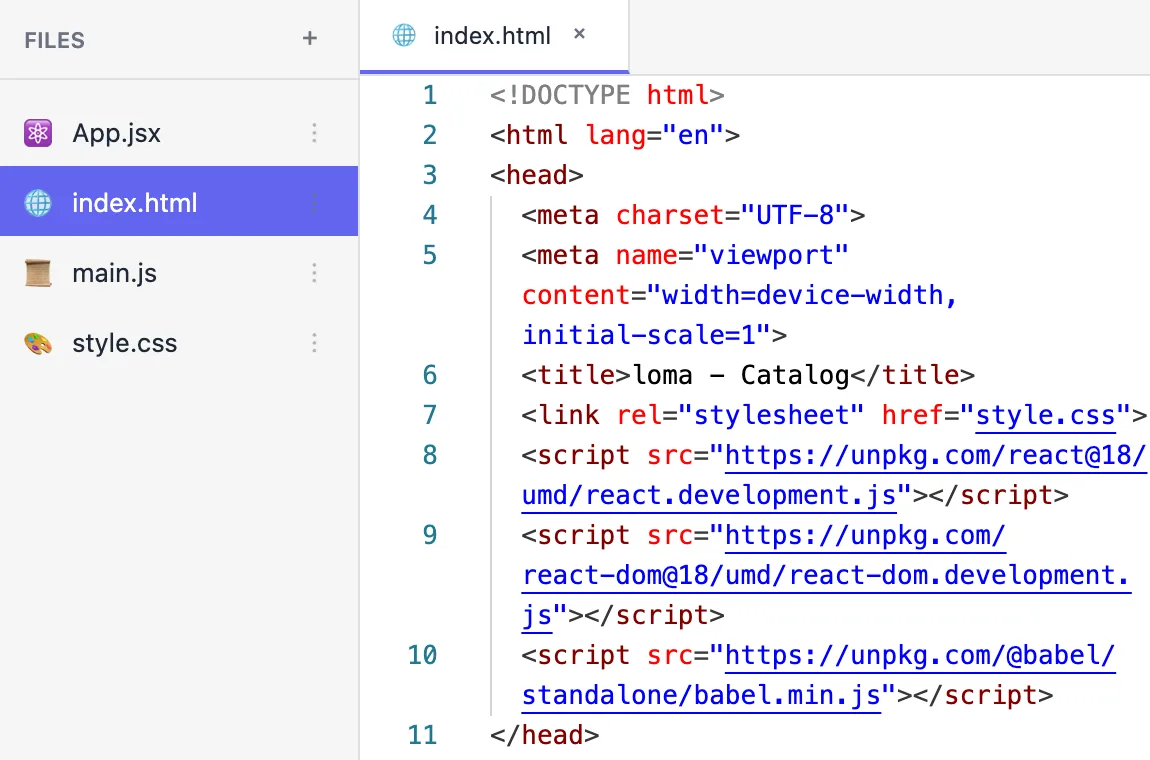
What a strong candidate did: Reserved space for images so nothing moves, loaded the first visible image first and the rest lazily, and explained which change moved which number and how to confirm it in field data next week.
Code, then a short note
Search that survives slow responses
Buyers on slow mobile connections type fast, and search responses come back out of order. An older response sometimes overwrites newer results, and a failed request looks the same as “no results”.
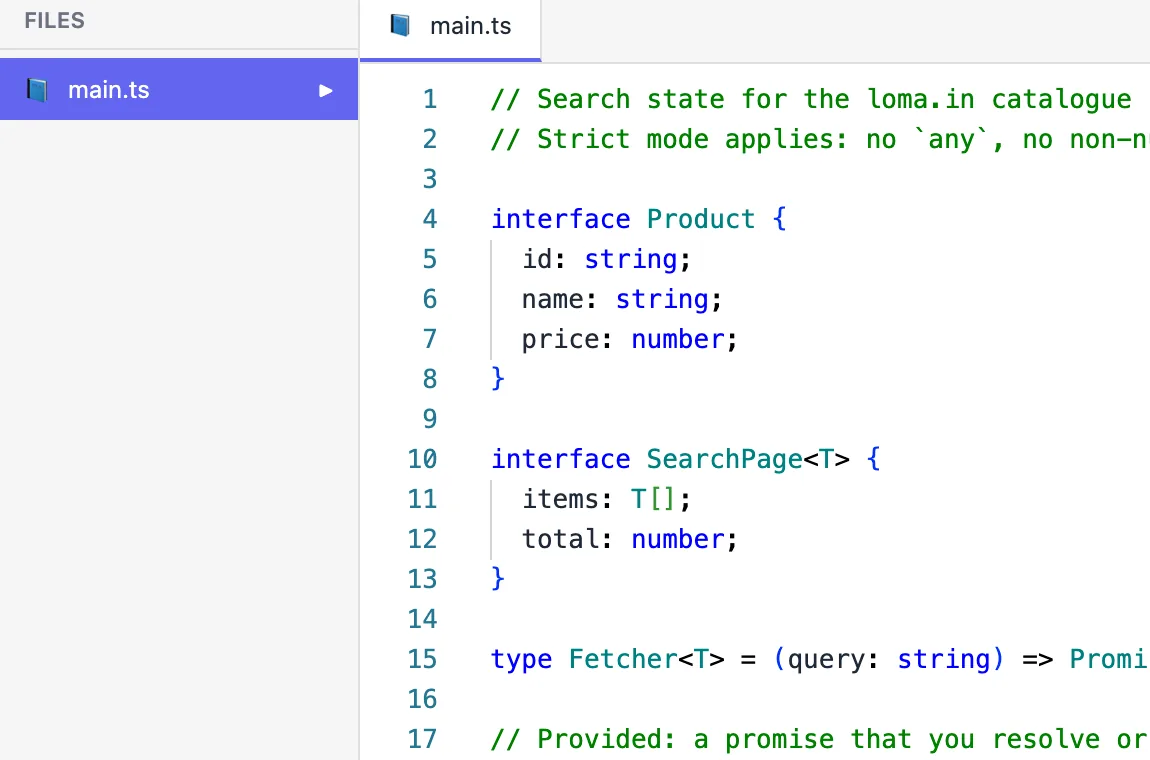
What a strong candidate did: Kept only the latest request’s results, gave loading, empty and error their own states with a retry, and wrote tests that reproduce the out-of-order case.
How the decision gets made
With Gateway, each Android developer candidate works through situations from your job description, like state lost after process death, an ANR on a list screen or background sync on restrictive devices, in Kotlin code with a short note on the reasoning. Your engineering manager sees a score and written feedback for each skill and opens the candidate's code read-only, then meets only the developers who handled the lifecycle the way Android actually behaves.
See your next Android developer at work before you meet them
Paste your job description and Gateway writes the assessment in about 5 to 10 minutes. Your team can edit every question before it goes out.
Questions
Our app still uses XML views. Can the tasks match that?
Yes. The assessment follows your job description, and your team can edit every task, so it can use XML views, Compose or both, as your codebase does.
Can we include Java if our older modules use it?
Yes. Name both languages in the description or edit a task to include a Java module. Each skill is scored on its own.
How long until we can send the first link?
Gateway drafts the assessment from your job description in about 5 to 10 minutes. Review it, change anything, and invite candidates from a spreadsheet, resumes or your ATS export.
Can we watch for copied answers?
Monitoring is off by default. You can choose from four levels, from activity only to camera on, and replay the test. Gateway never marks a candidate as cheating; your team reviews anything that looks unusual.
Can the hiring manager open the Kotlin the candidate wrote?
Yes. Every candidate's code opens read-only in the same editor, next to a score, written feedback and a tier from 1 to 5 for each skill, so your Android lead can check how state and coroutines were handled line by line.
Related