Hire a Flutter developer who keeps widgets fast and state under control
A Flutter developer builds every screen of your app from widgets in Dart, for iOS and Android at once and sometimes web or desktop too. What separates candidates is how they handle state, rebuild costs and the places where Flutter has to call platform code, and the way to see that is to give each one real Flutter situations before any interview.
What the hiring manager needs from a Flutter developer
Teams choose Flutter to ship a consistent, custom-designed app on several platforms from one codebase. The mobile lead needs a developer who keeps that codebase organised as it grows, picks a state management approach and sticks to it, and can step into Swift or Kotlin when a plugin falls short.
A screen that rebuilds far too often
A product list janks because a setState high in the tree rebuilds everything on each tap. A strong Flutter developer uses const constructors, splits widgets, and scopes listeners with Riverpod or Bloc so only what changed is rebuilt, then checks it in DevTools.
State management that changes from screen to screen
Some screens use Provider, some use Bloc and one keeps state in a global singleton. The developer chooses one pattern for the codebase, explains why, and migrates the worst screens first without breaking navigation.
A plugin that does not do what the app needs
The package for Bluetooth or background location has not been updated in a long time and lacks a feature on iOS. The developer writes a platform channel to the native API, or forks and fixes the plugin, and weighs the upkeep each choice brings.
A design that needs custom drawing
The designer wants an animated progress ring and a chart no package provides. The developer builds it with CustomPainter and explicit animations, keeps it smooth, and makes sure screen readers can still describe it.
Where hiring a Flutter developer usually goes wrong
- Hiring on how many apps a candidate has published
- Flutter makes it quick to publish simple apps. A long list of small apps does not show whether the candidate can keep a large codebase with many screens and shared state in order.
- Not asking about state management choices
- Every Flutter team has firm views here, and a mismatched hire either rewrites what works or adds a second pattern. Seeing the candidate's choice in real code tells you more than a debate in an interview.
- Assuming no native knowledge is needed
- Flutter covers most of the app, but signing, permissions, push setup and plugins all touch the native projects. A developer who cannot read a Gradle or Xcode error leaves the team blocked at release time.
Real tasks from a Gateway assessment
These come from a Gateway assessment for a frontend developer, with the employer’s name taken out. Gateway writes every assessment from your own job description, so the tasks your candidates get are built around your role.
Web code in the browser
Accessible, responsive filter chips
A designer’s new filter panel works with a mouse on desktop. Nobody has checked it with a keyboard, a screen reader or a phone. The candidate is asked to finish it.
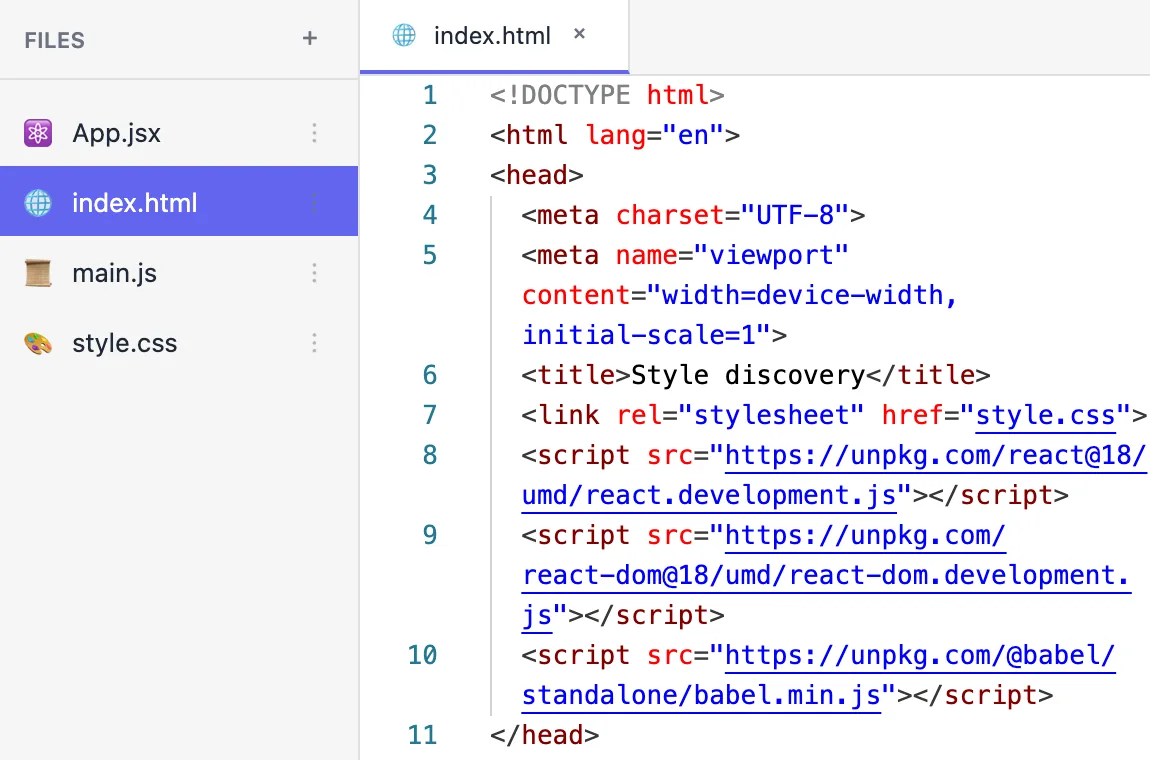
What a strong candidate did: Made every chip reachable and toggleable from the keyboard with a visible focus, announced the selected state to screen readers, and made the panel usable on a small phone without changing the design.
Code, then a short note
Search that survives slow responses
Buyers on slow mobile connections type fast, and search responses come back out of order. An older response sometimes overwrites newer results, and a failed request looks the same as “no results”.
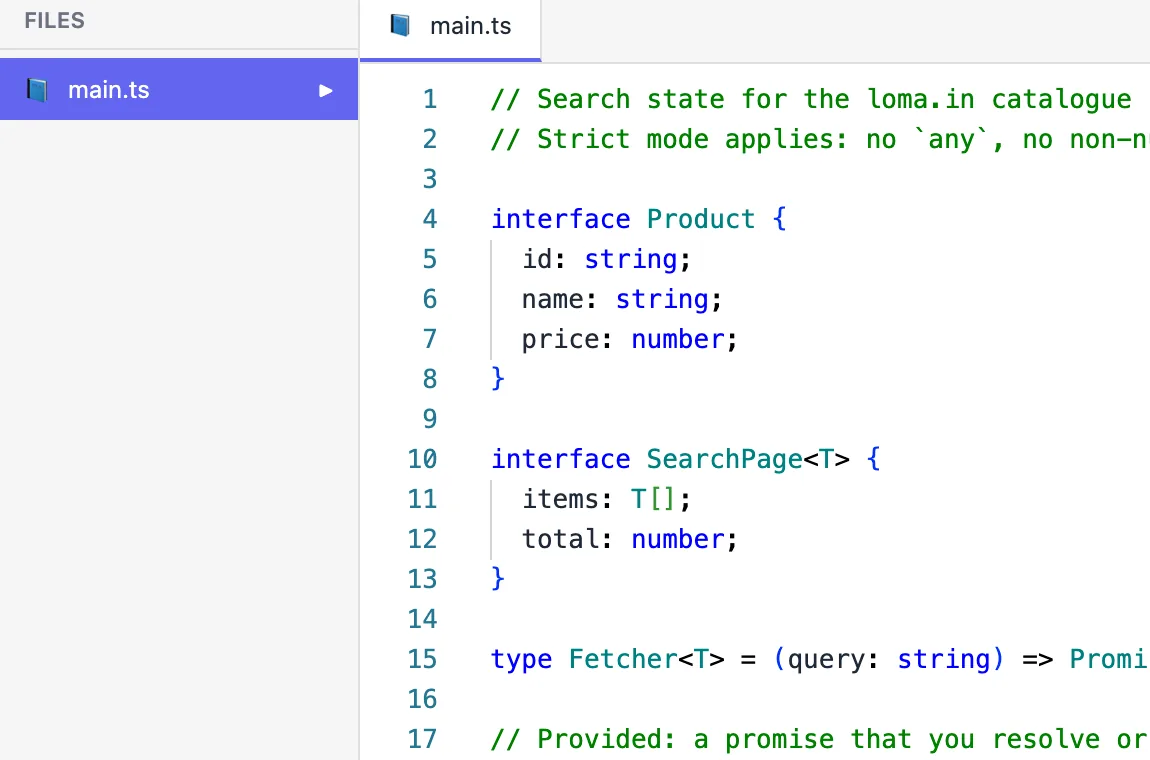
What a strong candidate did: Kept only the latest request’s results, gave loading, empty and error their own states with a retry, and wrote tests that reproduce the out-of-order case.
Web code in the browser, then a short note
Fix the slow, jumpy catalog grid
Field data for the catalog page on mobile shows the main image loading in 3.8 seconds and the layout jumping as it loads. Product and the founder want it back inside Google’s “good” thresholds. The candidate owns the frontend.
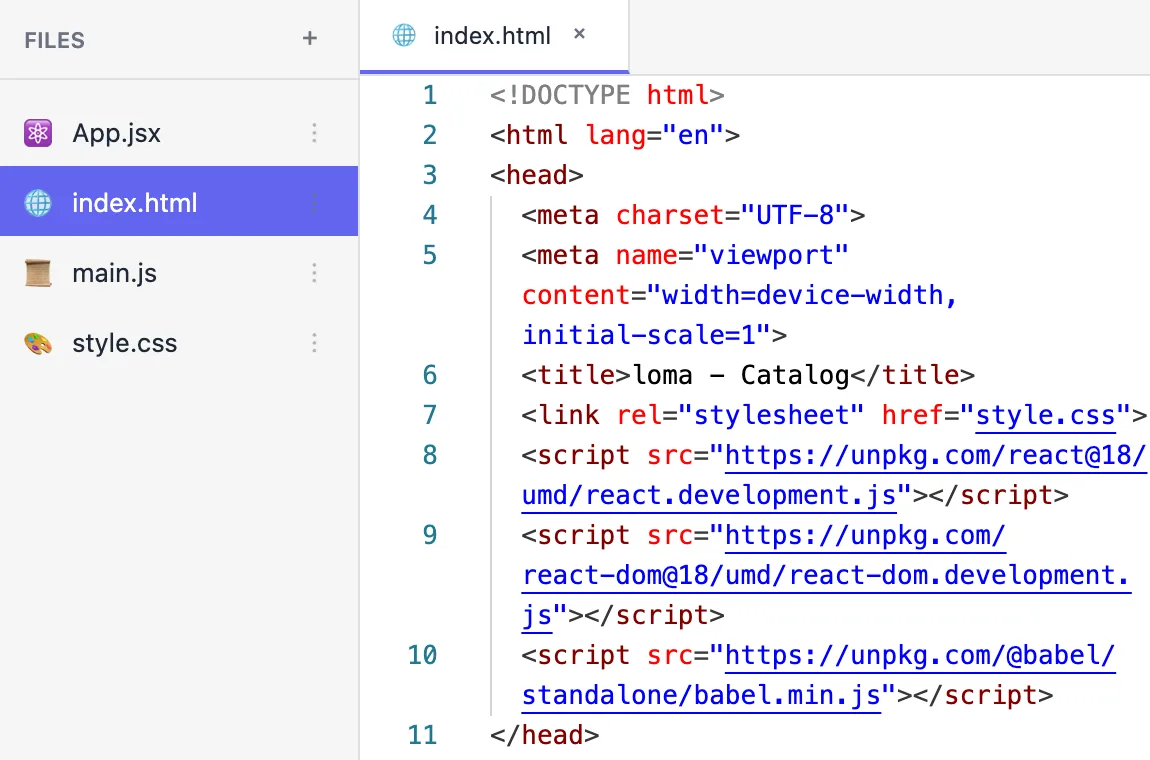
What a strong candidate did: Reserved space for images so nothing moves, loaded the first visible image first and the rest lazily, and explained which change moved which number and how to confirm it in field data next week.
How the decision gets made
With Gateway, each Flutter developer candidate works through situations drawn from your job description, such as a janky list, mixed state management or a missing plugin feature, in Dart code with a short note or recorded walkthrough explaining the choices. Your mobile lead sees each skill scored with the reason, opens the candidate's widgets read-only, and spends interview time only on developers whose Flutter code would stay maintainable as the app grows.
See your next Flutter developer at work before you meet them
Paste your job description and Gateway writes the assessment in about 5 to 10 minutes. Your team can edit every question before it goes out.
Questions
We use Riverpod. Can the tasks use it?
Yes. The assessment follows your job description, so name your state management library and the tasks will use it. Your team can also edit any task before it goes out.
Can the assessment cover platform channels or native code?
If the role needs it, yes. A task can include Swift or Kotlin next to Dart, and each skill is scored on its own so you can see exactly where the gaps are.
What do candidates need to take part?
A laptop or desktop and one link. Each step explains what it involves before the candidate starts, and the work must be in before your deadline.
Can we compare candidates who come from native mobile backgrounds?
Yes. Send everyone the same assessment. The per-skill scores show whether a strong Swift or Kotlin developer already writes idiomatic Flutter or would need time to adjust.
How long does it take to set up a Flutter assessment?
Paste the job description and Gateway writes the assessment in about 5 to 10 minutes. Your team reads and edits every task, then sends each candidate one link with a deadline.
Related