Hire a React Native developer who is comfortable on both sides of the bridge
A React Native developer ships one JavaScript codebase to iOS and Android, but the hard problems sit where JavaScript meets native code: list performance, native modules, version upgrades and release pipelines. The way to tell candidates apart is to see each one handle those situations in real code before anyone spends an hour interviewing.
What the hiring manager needs from a React Native developer
Companies hire a React Native developer to move fast on both platforms with one team, often a team that also writes React for the web. The mobile lead needs a developer who keeps that speed without the app feeling like a website in a wrapper, and who does not freeze when a bug lives in Xcode or Gradle rather than in JavaScript.
A feed that stutters as users scroll
A long list of cards drops frames on mid-range Android phones. A capable React Native developer tunes FlatList or moves to a recycling list, memoises row components, and takes heavy work off the JS thread instead of blaming the device.
A native SDK with no React Native package
The payments or identity vendor ships only Swift and Kotlin SDKs. The developer writes a thin native module, exposes a small typed interface to JavaScript, and handles the places where the SDK behaves differently on each platform.
An upgrade that has been put off
The app is several React Native versions behind, and libraries are dropping support. The developer plans the upgrade, moves to the new architecture where libraries allow, and fixes the native build errors that appear along the way.
A fix that cannot wait for store review
A pricing bug is live and the next store release is days away. The developer knows what an over-the-air update can and cannot change, ships the JavaScript fix safely, and keeps native changes for the store build.
Where hiring a React Native developer usually goes wrong
- Hiring a web React developer and hoping
- React skills carry over to components and state. They do not carry over to native builds, platform permissions, gestures or memory on a low-end phone, which is where React Native work gets hard.
- Never opening the native folders in the interview
- If every question stays in JavaScript, you cannot tell whether the candidate can read a crash log in Xcode or fix a Gradle conflict. On most React Native teams, someone has to.
- Judging by Expo demos
- Expo is a sound way to build, and a demo made with it can look complete. Ask whether the candidate has written a config plugin, used a development build or shipped to both stores, because your app's real constraints appear there.
Real tasks from a Gateway assessment
These come from a Gateway assessment for a frontend developer, with the employer’s name taken out. Gateway writes every assessment from your own job description, so the tasks your candidates get are built around your role.
Code, then a short note
Search that survives slow responses
Buyers on slow mobile connections type fast, and search responses come back out of order. An older response sometimes overwrites newer results, and a failed request looks the same as “no results”.
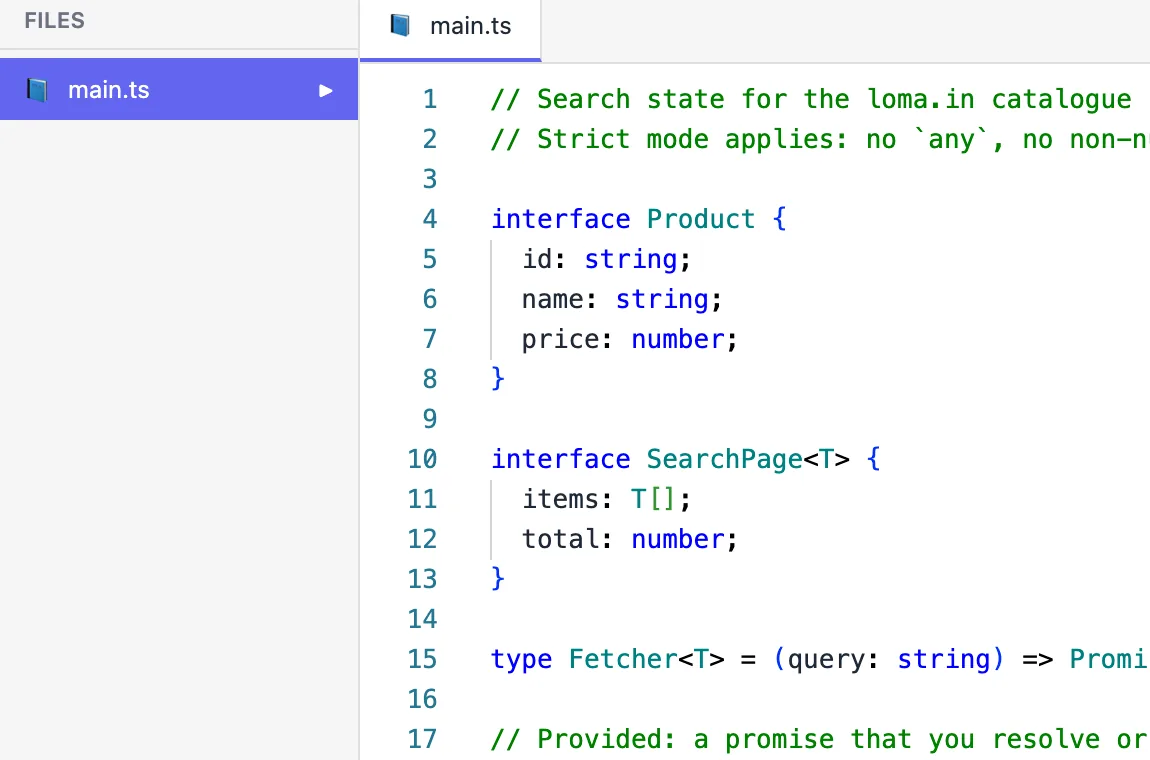
What a strong candidate did: Kept only the latest request’s results, gave loading, empty and error their own states with a retry, and wrote tests that reproduce the out-of-order case.
Web code in the browser, then a short note
Fix the slow, jumpy catalog grid
Field data for the catalog page on mobile shows the main image loading in 3.8 seconds and the layout jumping as it loads. Product and the founder want it back inside Google’s “good” thresholds. The candidate owns the frontend.
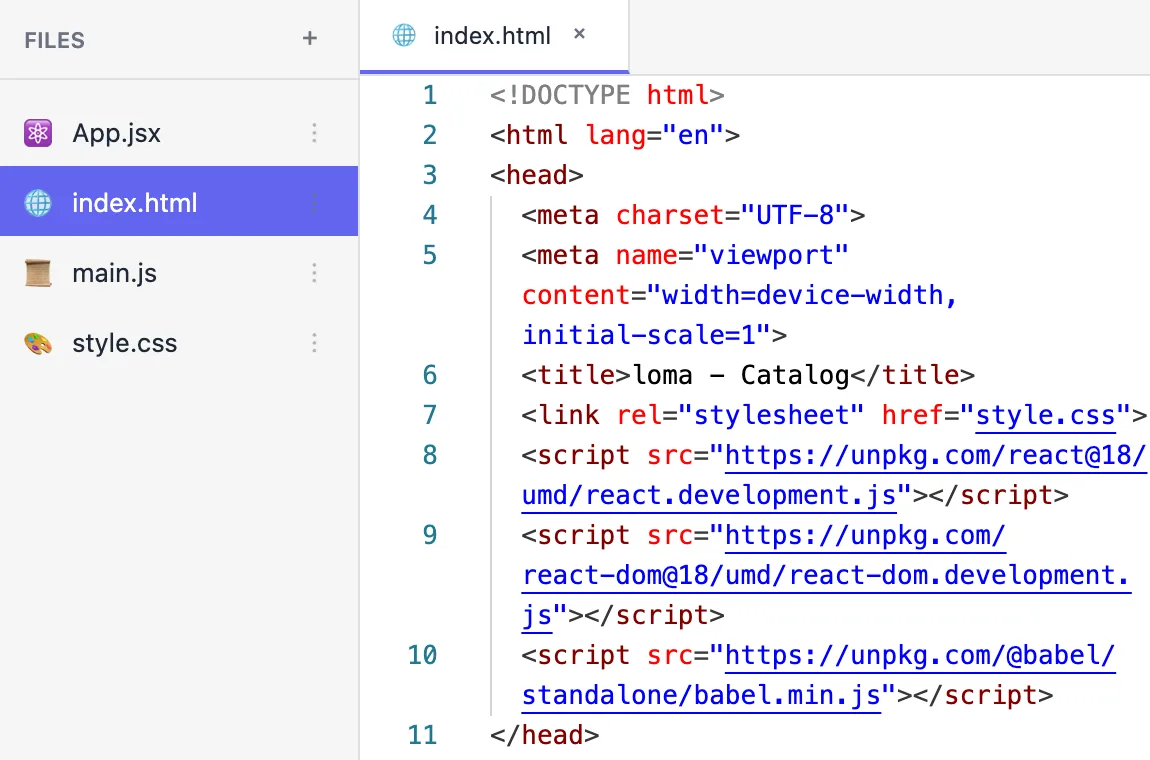
What a strong candidate did: Reserved space for images so nothing moves, loaded the first visible image first and the rest lazily, and explained which change moved which number and how to confirm it in field data next week.
Web code in the browser
Accessible, responsive filter chips
A designer’s new filter panel works with a mouse on desktop. Nobody has checked it with a keyboard, a screen reader or a phone. The candidate is asked to finish it.
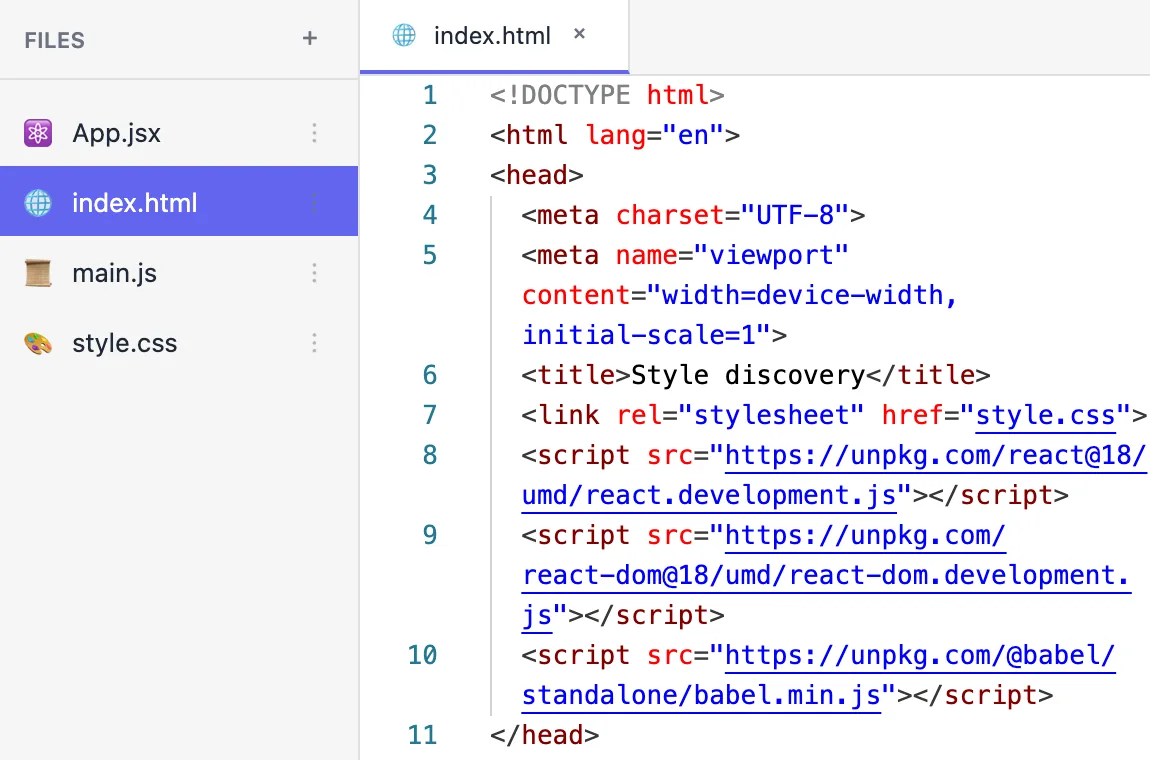
What a strong candidate did: Made every chip reachable and toggleable from the keyboard with a visible focus, announced the selected state to screen readers, and made the panel usable on a small phone without changing the design.
How the decision gets made
With Gateway, each React Native developer candidate gets situations from your job description, such as a stuttering feed, a native SDK to wrap, or a hotfix that must ship over the air. Candidates work in code and explain the platform trade-offs in a short note or recorded walkthrough. Your mobile lead sees a score and written feedback for each skill, opens the candidate's code read-only, and invites only the developers who are as careful with the native side as with the JavaScript.
See your next React Native developer at work before you meet them
Paste your job description and Gateway writes the assessment in about 5 to 10 minutes. Your team can edit every question before it goes out.
Questions
We use Expo. Can the assessment reflect that?
Yes. Gateway writes it from your job description, so Expo, the bare workflow or both can be part of the tasks. Your team can edit every question before it goes out.
Can we test native module skills, not only JavaScript?
A task can include Swift or Kotlin alongside JavaScript or TypeScript. Each skill gets its own score, so you see where the candidate is strong and where support would be needed.
How is the candidate's work reviewed?
Every skill gets a score, written feedback and a tier from 1 to 5, with whether the candidate meets your line. Your lead can open the code read-only and change any score.
Can we reuse this for our web React hires?
Create a separate assessment from that role's own job description, which takes about 5 to 10 minutes, so the tasks fit browser work instead of mobile.
Related