Hire an iOS developer who ships apps that pass review and feel at home on iPhone
An iOS developer owns how your product behaves on iPhone and iPad: screens in SwiftUI or UIKit, the system features customers expect, and releases that pass App Store review. Every resume lists Swift and Xcode, so the way to tell candidates apart is to see each one work through real iOS situations before your team spends time on interviews.
What the hiring manager needs from an iOS developer
The person hiring an iOS developer usually has an app in the store and a list of reviews to answer. The mobile lead needs someone who knows Apple's frameworks and rules well enough to build features that feel native, handle permissions properly, and keep releases moving through TestFlight and review without surprises.
A SwiftUI screen that has to live beside UIKit
The app is mostly UIKit, and new screens are being written in SwiftUI. The developer has to host one inside the other, share navigation and state between them, and avoid a screen that redraws on every scroll.
A permission prompt users keep refusing
The app asks for location and notifications on first launch and most people say no. A strong iOS developer moves each request to the moment it makes sense, explains it in plain words, and handles denied and limited access without breaking the feature.
Work that has to finish in the background
Uploads stop when the user switches apps, and an overnight sync never runs. The developer knows what background modes, background URLSession transfers and BGTaskScheduler allow, and designs within the limits iOS enforces.
An app that ignores accessibility settings
Large text sizes cut off labels and VoiceOver reads icons as an unnamed button. Supporting Dynamic Type, accessibility labels and iPad layouts is expected of an iOS hire, and App Store users notice when it is missing.
Where hiring an iOS developer usually goes wrong
- Treating Swift knowledge as iOS knowledge
- A candidate can be fluent in the language and still not know how the app lifecycle, scenes or background execution work on iOS. Those platform rules are where release-blocking bugs come from.
- Ignoring App Store review until it bites
- Interviews rarely touch privacy manifests, permission strings or in-app purchase rules. A hire who has never owned a submission can leave your launch waiting on a rejection nobody saw coming.
- Asking only about SwiftUI or only about UIKit
- Most production apps use both. A candidate who knows only one may stall on half your codebase, and a short round on one framework will not reveal it.
Real tasks from a Gateway assessment
These come from a Gateway assessment for a frontend developer, with the employer’s name taken out. Gateway writes every assessment from your own job description, so the tasks your candidates get are built around your role.
Web code in the browser
Accessible, responsive filter chips
A designer’s new filter panel works with a mouse on desktop. Nobody has checked it with a keyboard, a screen reader or a phone. The candidate is asked to finish it.
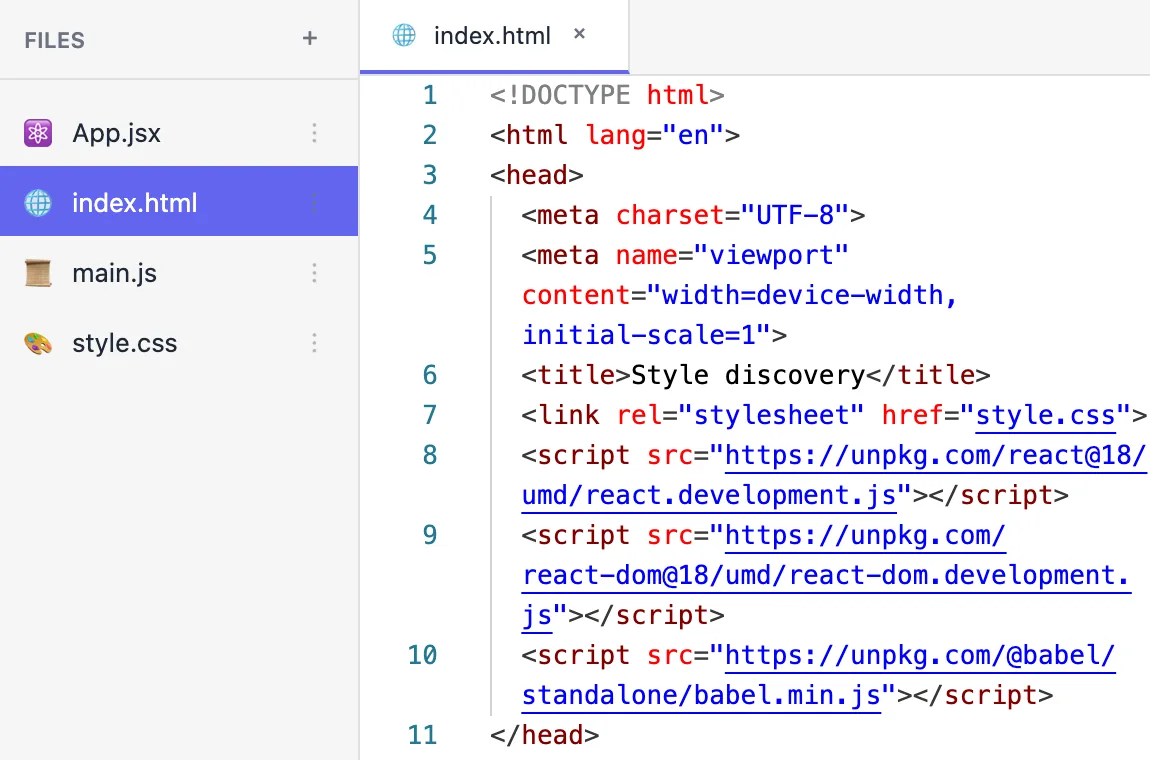
What a strong candidate did: Made every chip reachable and toggleable from the keyboard with a visible focus, announced the selected state to screen readers, and made the panel usable on a small phone without changing the design.
Web code in the browser, then a short note
Fix the slow, jumpy catalog grid
Field data for the catalog page on mobile shows the main image loading in 3.8 seconds and the layout jumping as it loads. Product and the founder want it back inside Google’s “good” thresholds. The candidate owns the frontend.
What a strong candidate did: Reserved space for images so nothing moves, loaded the first visible image first and the rest lazily, and explained which change moved which number and how to confirm it in field data next week.
Code, then a short note
Search that survives slow responses
Buyers on slow mobile connections type fast, and search responses come back out of order. An older response sometimes overwrites newer results, and a failed request looks the same as “no results”.
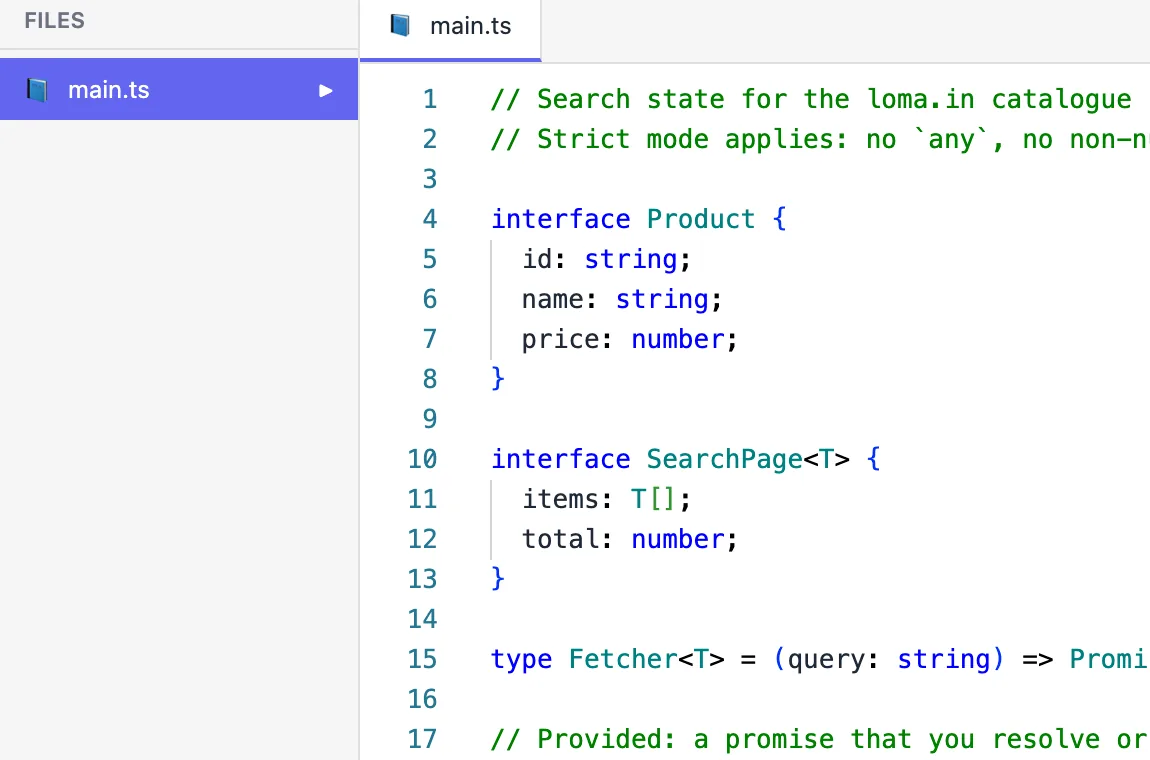
What a strong candidate did: Kept only the latest request’s results, gave loading, empty and error their own states with a retry, and wrote tests that reproduce the out-of-order case.
How the decision gets made
With Gateway, each iOS developer candidate works on situations from your job description, such as a screen bridging UIKit and SwiftUI, a permission flow to redesign, or background sync that has to respect iOS limits. Candidates write Swift code and explain their decisions in a written note or recorded walkthrough. Your mobile lead sees a score and written feedback for each skill, opens the candidate's code read-only, and meets only the developers whose work would get through your code review and Apple's.
See your next iOS developer at work before you meet them
Paste your job description and Gateway writes the assessment in about 5 to 10 minutes. Your team can edit every question before it goes out.
Questions
Can the assessment cover SwiftUI, UIKit, or both?
Whichever your role needs. Gateway writes the tasks from your job description, and your team can read and change every question before it is sent.
Can we hear how a candidate thinks about App Store review?
Yes. Add a recorded walkthrough or a written note to a task, and the candidate explains the plan for permissions, privacy details or a resubmission in plain words.
Do candidates need a Mac or an iPhone?
Candidates need a laptop or desktop and one link. Each step says what it involves before the candidate accepts it.
Can our team adjust scores?
Yes. Every skill comes with a score, written feedback and a tier from 1 to 5. Anyone reviewing can change a score, and your team makes the final call.
Can we allow AI coding assistants during the task?
Yes, with an AI-assisted assessment. Your team then sees how each candidate worked with the assistant, which is useful if your iOS team already codes with one.
Related